
If you've installed a device with an incorrect last meter reading or network:
Restart the install flow with the mobile app & device to update the values.
If you're installing the device and the Account's meter details are wrong:
Wireless Pins: Restart the install flow with the mobile app & click Edit next to the Meter Type field to update the values.
Wired Pins: Advanced meter configuration details (such as Register Digits) can only be corrected on the Account page in the web version of Engage at this time. Log into Engage Web and update the details on that meter's Account prior to install. If you've already installed the device with the incorrect details:
- Log into Engage Web
- Navigate to the Account details
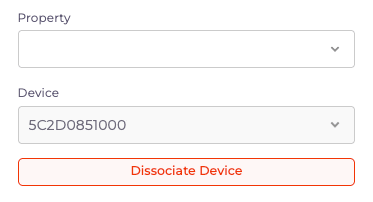
- Select Disassociate Device to remove the link
- Correct the fields necessary, and save
- Complete install process with mobile app & device again
For an overview of how to create and edit Accounts, click here. Accounts can only be added or modified on the web version of Engage.