
- Navigate to the Billing reports page.
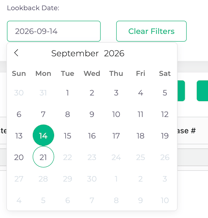
- Apply the Lookback Date filter to your date in question to apply to the billing report.
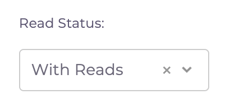
- If you need all accounts, regardless of if there was a read in the Lookback Period, clear the Read Status filter to allow all data to show.
- Apply other filters and export as you would normally.
What is the Lookback Date?
The “Lookback Date” is the end date of the period where you wish to view the data. If no Lookback Date is selected, the data defaults to today. The data displayed will always be the most recent readings for that account prior to (or exactly at) 11:59 PM on the Lookback Date.
Tip: The Engage API also supports pulling historical data using the /v1/accounts/latest-readings/ POST endpoint with optional parameters. The API allows you to pass a specific timestamp, if you need to get more specific timing in the day.