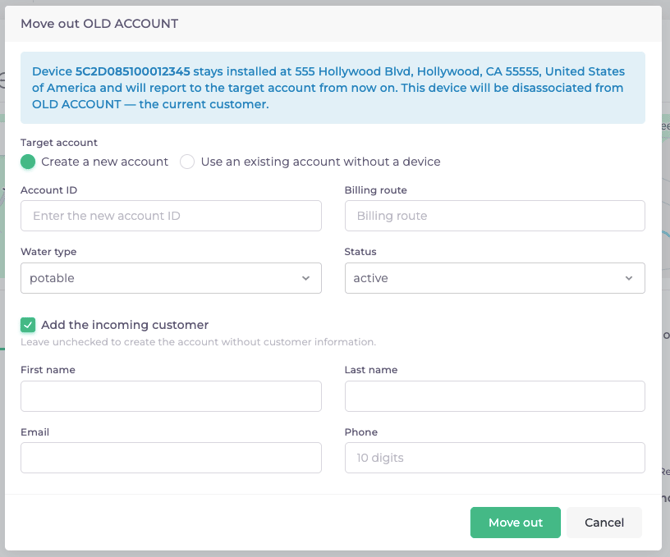
Existing accounts cannot have their ID changed after creation. If you have an account change, such as a property going from a rental to non-rental, or an update to an account number, utilize the Move Out functionality to transition the Subeca device to the new account, all without going out into the field!
To move a device to a new account:
- Navigate to the details page for the Account that will become inactive.
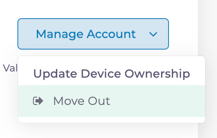
- Click Manage Account, then select Move Out.
- Complete the relevant details, either creating a new account or attaching to an existing account without a device. If creating a new account, you can also add the incoming customer details.